Registration
Overview
Generate Activation Key
Registration Process
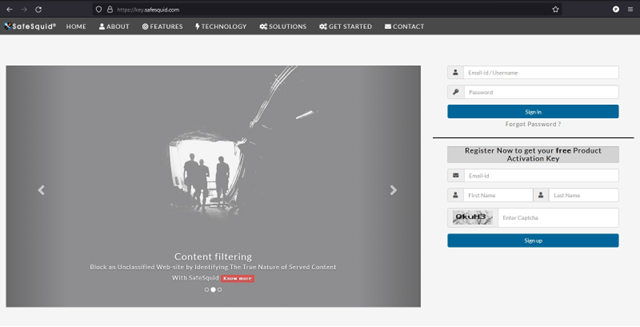
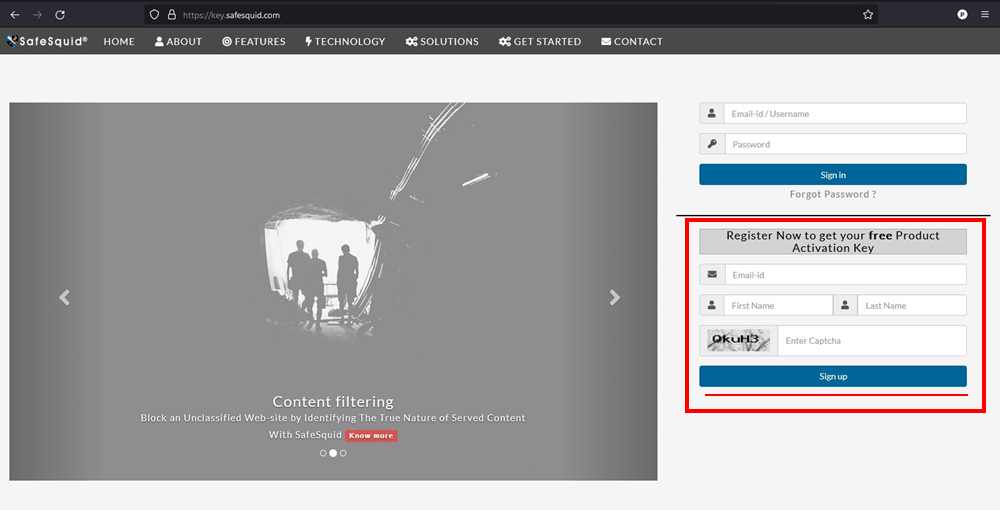
Visit https://key.safesquid.com
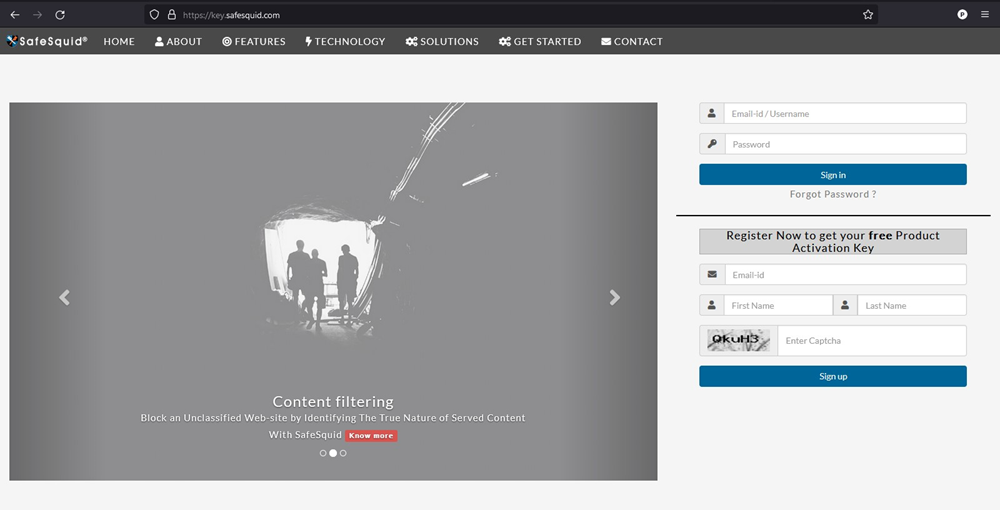
Enter your email address, First Name, Last Name, Captcha and then Click on "Sign Up."
You'll receive an email to activate your account in your registered email address.
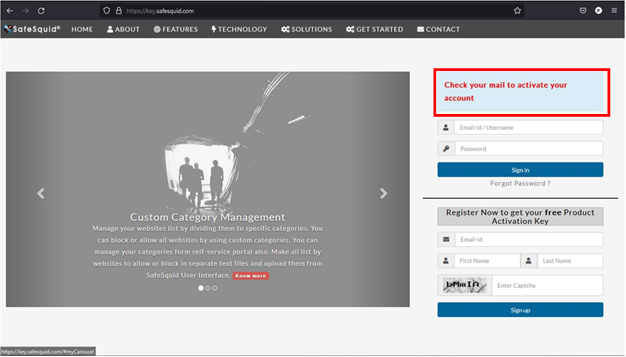
Click on "Click here to activate your account."
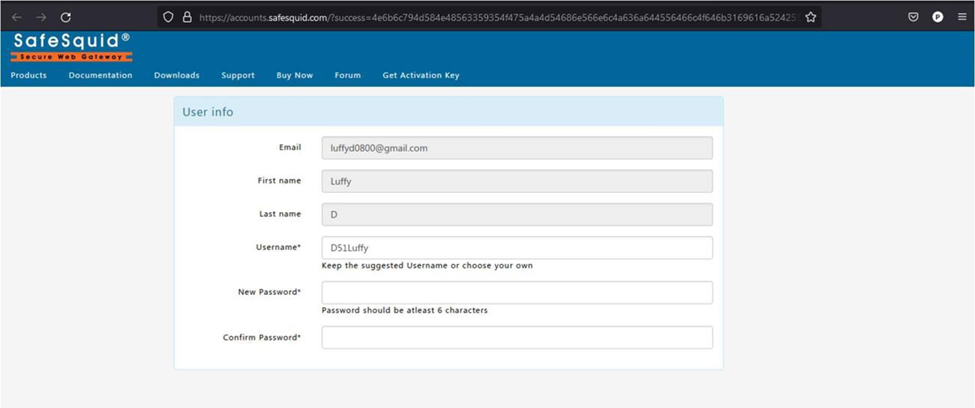
You'll be directed to https://accounts.safesquid.com/?success=
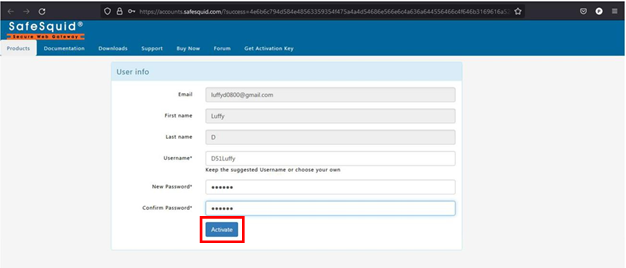
Enter your new password in "New password", "confirm password."
click on "Activate."
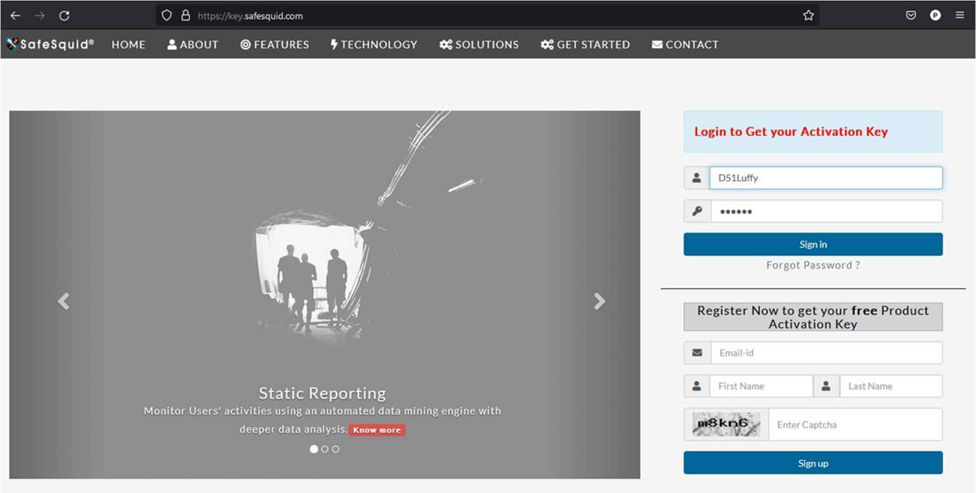
Enter your username and password and click on "Sign In".
Activation code will be generated, and you'll be directed to https://key.safesquid.com/portal.html
### Fill in the user info and contact information.
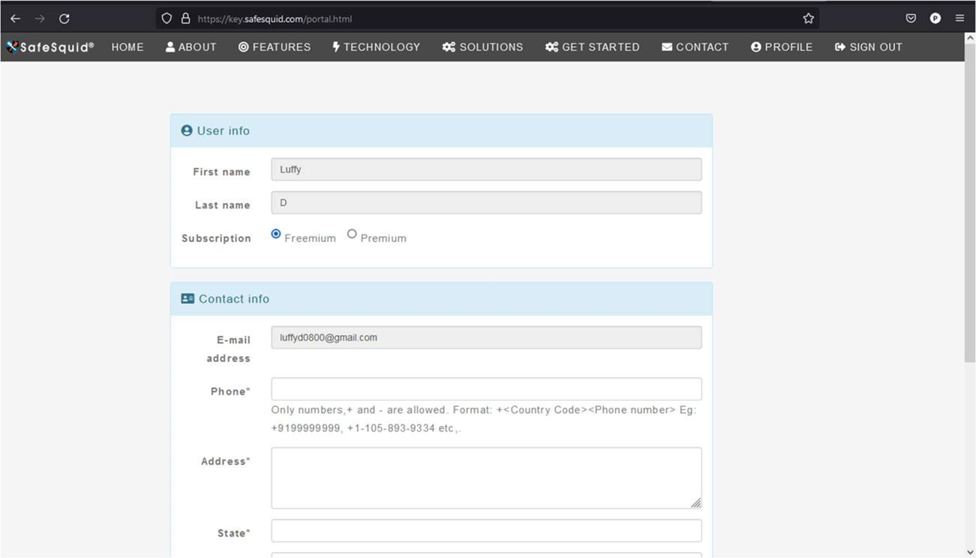
Click on "Save Profile".

Your activation key has been generated.
Click "close".
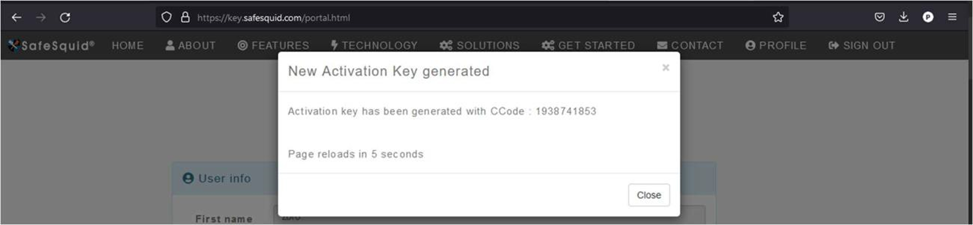
Page will be reloaded, and you'll be redirected to your home page.
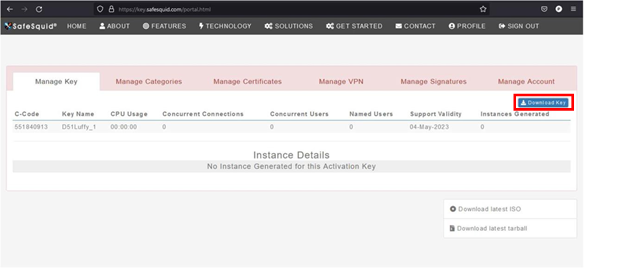
To download your activation key, click on "Download Key".