Pre-fetch and cache resources referenced in HTML
Prefetching fetches and caches files referenced in HTML before the user requests them, improving load time and reducing origin requests. It applies to a wider set of resources than caching alone.
Configure prefetching
-
Access the SafeSquid User Interface and click Configure.
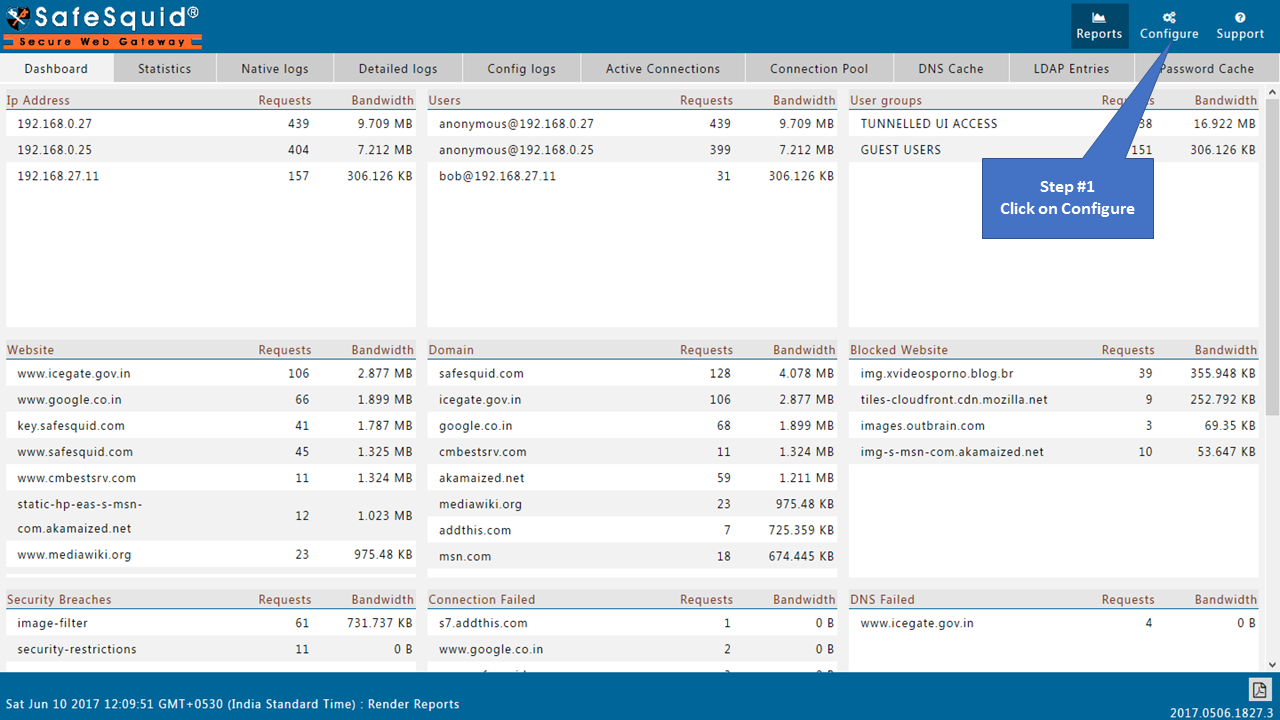
-
Navigate to Prefetching under Application Setup.

-
Ensure Global section has Enabled set to True.

-
Click the Prefetch tab.

-
Click Add New to create a new policy.

-
Enter an appropriate comment for future reference.

-
Specify the HTML tag to analyze for prefetchable URLs.

-
Specify the attribute of the HTML tag holding the URL to prefetch.

-
Specify the regular expression to evaluate discovered URLs in the tag attribute.

-
Click Save Policy.

-
Click Save Config to apply the configuration.

