Enforce access by time range
Time Profiler enforces time-based internet access using configurable ranges: month, day, weekday, hour, and minute. Create Time Profile entries as combinations of these ranges; SafeSquid allows or blocks categories and websites according to the active profile.
Enable Time Profiler
-
Access the SafeSquid interface.
-
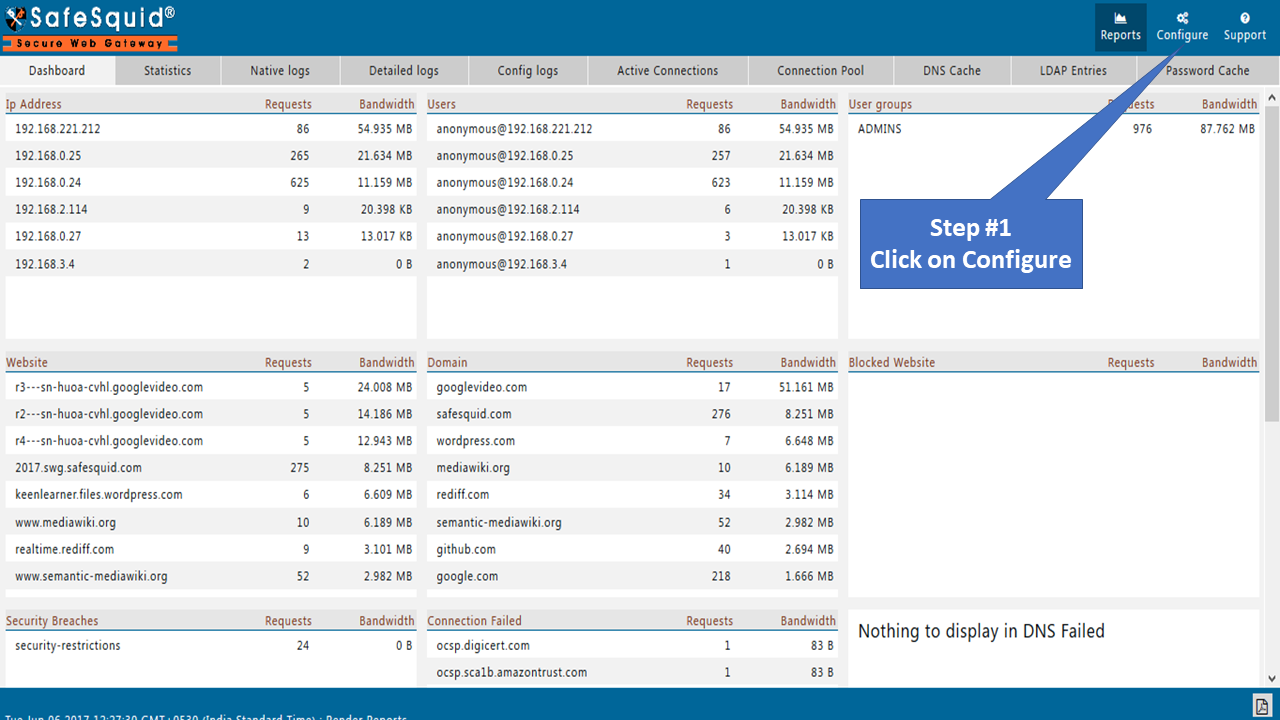
Navigate to Configure page.
-
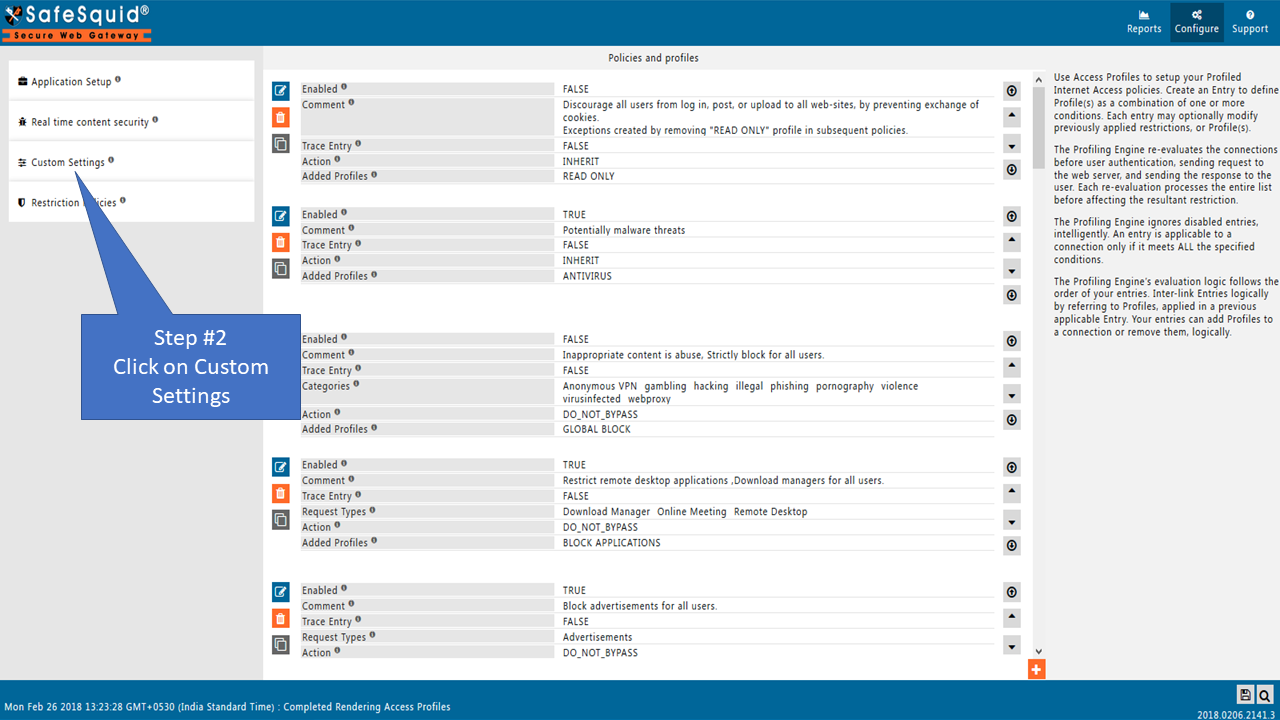
Click Custom Settings in the sidebar.
-
Select Time Profiler.

Configuration Options
Global Settings
| Setting | Description |
|---|---|
| Enabled | TRUE: Enable time profiles. FALSE: Disable time profiles. |

Time Profiles Tab
SafeSquid evaluates entries from top to bottom. All entries within the time range are applicable.


Entry Settings
| Field | Description |
|---|---|
| Enabled | TRUE/FALSE - Enable or disable this entry |
| Comment | Documentation explaining the entry's purpose |
| Trace Entry | TRUE/FALSE - Enable debugging in SafeSquid logs |
| Time Profiles | List of Time Profiles for applicability. Leave blank to ignore. Use negation (! Weekday) to exclude profiles |
| Month Range | Active months (default: all months). Example: January to March |
| Day Range | Active days (default: all days). Example: 5 to 15 |
| Weekday Range | Active weekdays (default: all). Example: Monday to Thursday |
| Hour Range | Active hours (default: all). Example: 9 to 12 (9 AM to 12 PM) |
| Minute Range | Active minutes in conjunction with Hour Range. Example: 15 to 30 |
| Time Match Mode | ABSOLUTETIME or ALLRANGES. See the Time Match Modes section below for details on each mode |
| Added Time Profiles | Profiles to append when entry matches |
| Removed Time Profiles | Profiles to remove when entry matches |
Time Match Modes
ABSOLUTETIME: Matches any time between starting and ending time only.
- Example: Weekday Monday-Friday, Hour 9-17
- Active from Monday 9 AM to Friday 5 PM continuously
ALLRANGES: Matches time within all specified ranges.
- Example: Weekday Monday-Friday, Hour 10-17
- Active every day Monday-Friday between 10 AM and 5 PM
Examples
Example 1: Standard Office Hours
Office hours: 10 AM to 9 PM, Monday to Friday.
| Field | Value |
|---|---|
| Hour Range | 10 to 21 |
| Weekday Range | Monday to Friday |
| Added Time Profiles | STANDARD OFFICE HOURS |

Example 2: Lunch Hours
Lunch hours: 2 PM to 2:30 PM, Monday to Friday. Allow Social Media during lunch.
| Field | Value |
|---|---|
| Hour Range | 14 to 14 |
| Minute Range | 0 to 30 |
| Weekday Range | Monday to Friday |
| Added Time Profiles | STANDARD LUNCH HOURS |
