

Fix DNS Failures
DNS Failure can interrupt web access, policy enforcement, or evidence collection. Use this runbook to restore service, preserve logs, and prove the corrective action during security review.Issue
Via proxy sometimes occur an error “DNS Lookup for safesqddns.com failed”.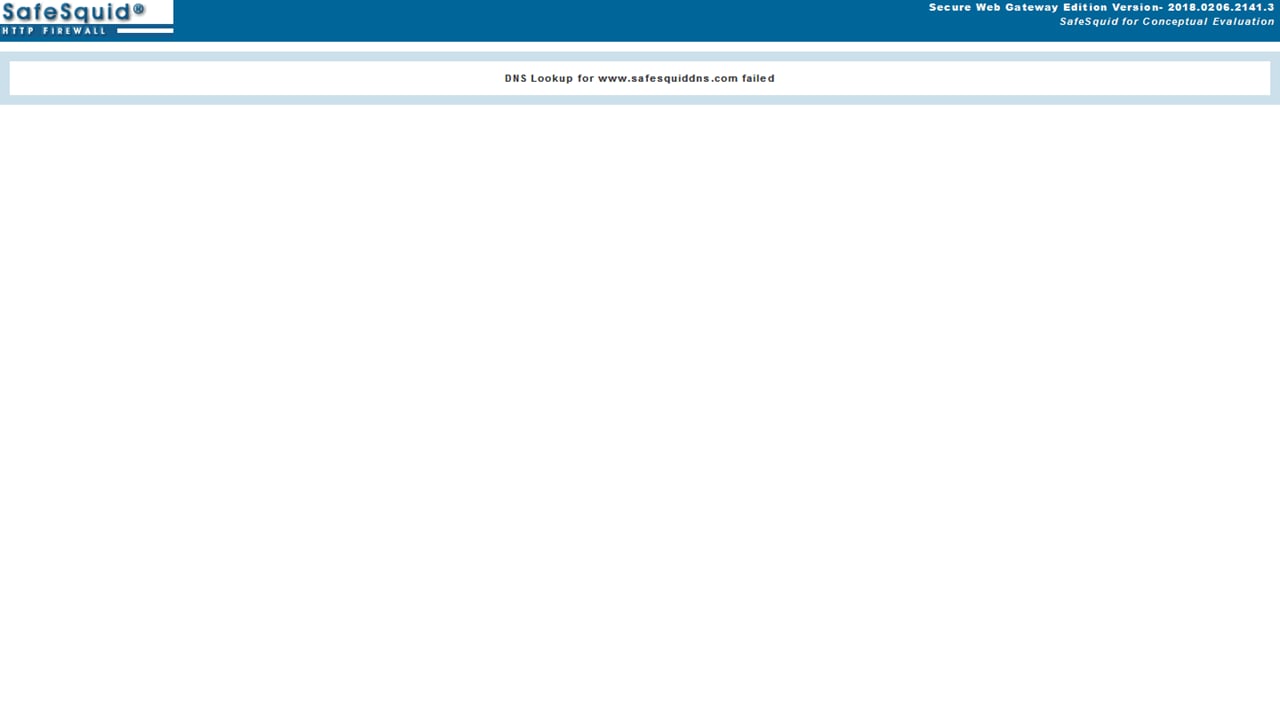
Root Causes
- The FQDN of the website is incorrect.
- The local DNS server service is not running.
- The forwarder DNS server is not able to resolve the query.
- The network service is down.
Solution
If the website FQDN is incorrect, accessing it via proxy gives a DNS failure. So, you have to enter the correct FQDN of that particular website. If the website FQDN is correct, you can still hit a DNS failure. This happens when the local DNS server service is not running. So, you make sure that the local DNS server service is running. Run the below commands to verify DNS server service nslookup (FQDN of the site) example: nslookup www.safesquiddns.com Server: 127.0.0.1 Address: 127.0.0.1#53 Non-authoritative answer: www.safesquiddns.com canonical name = safesquiddns.com. Name: safesquiddns.com Address: 164.177.149.146 If the website is not able to resolve root@dev:~# nslookup www.safesquiddns.com Server: 127.0.0.1 Address: 127.0.0.1#53 server can’t find test.safesquiddns.com: NXDOMAINCapture useful evidence
Collect evidence before restarting services or changing policy. Keep screenshots, command output, and relevant SafeSquid logs with the incident ticket.[thread or request id] and a module name such as network:.
Record the affected user, source IP address, requested URL, timestamp, browser error, SafeSquid policy section changed, and verification result.
Next steps
- Use Find a complete connection log to trace a specific client transaction.
- Use Troubleshooting for the broader diagnostic checklist.
- Use BIND Local DNS Resolver to run BIND as the local DNS resolver.