

Problem
Security teams need predictable control over app and web usage to reduce policy bypass and data-risk exposure.Benefits
You can enforce policy decisions consistently with SafeSquid while preserving legitimate business workflows.Advantages
You keep actionable policy control close to operations, with verifiable outcomes in logs and policy behavior.Call to action
Use the steps in this guide to implement the control, then validate behavior with a real user-flow test.Allow or block YouTube by category via YouTube API
YouTube offers entertainment and educational content; unrestricted viewing can reduce productivity and bandwidth. SafeSquid integrates with the YouTube API to identify video categories. Policies can allow or block specific categories so organizations permit learning and marketing content while blocking unrelated videos.Client scenario (case study)
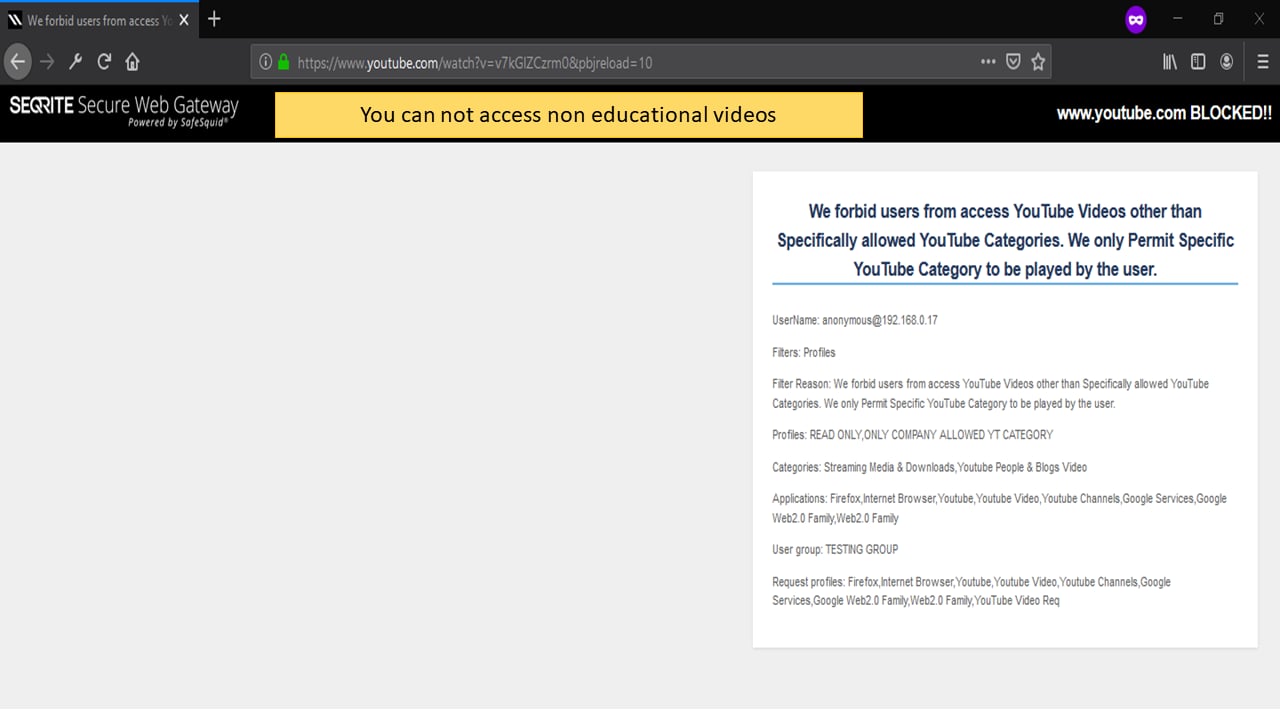
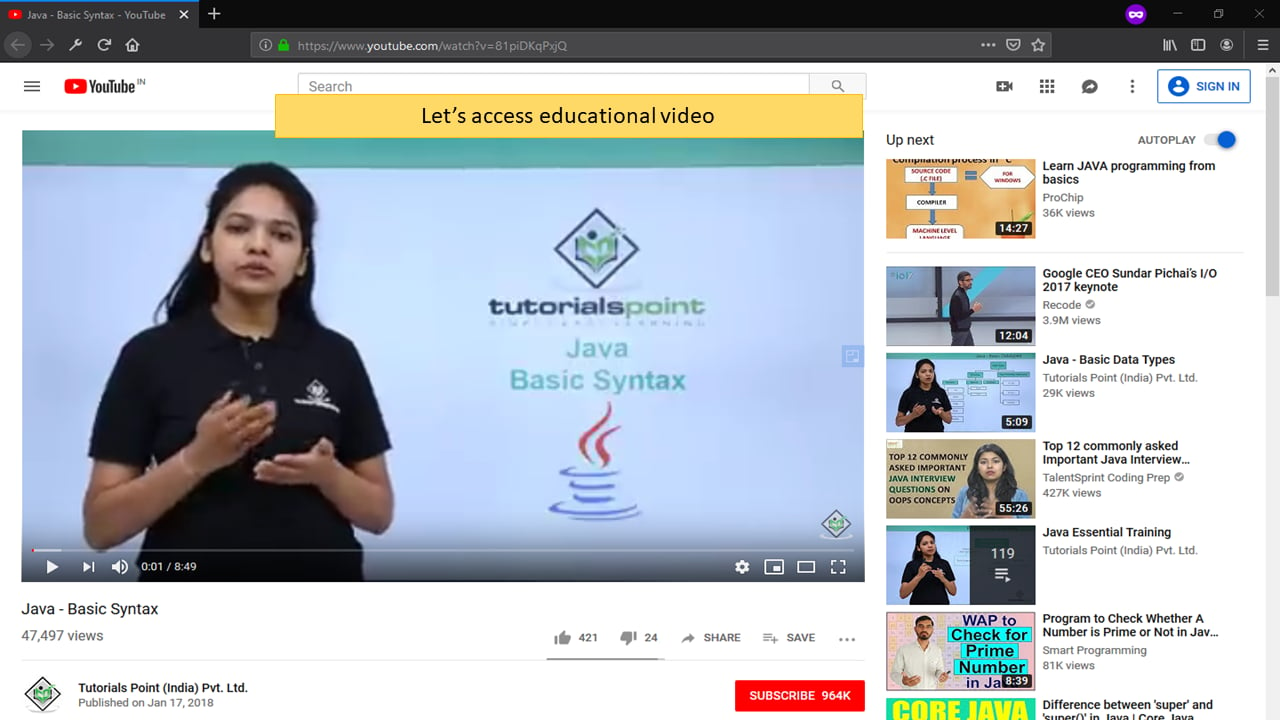
Ganpat University provides graduate programs to various colleges. All the staff’s PC/Laptop traffic is going via SafeSquid SWG. Ganpat University wants to block entire youtube.com for faculty and students. But wants some of the YouTube channels allowed which are helpful for faculty/students. Ganpat University challenges are: All staff/Students should not be allowed to access www.youtube.com. If any faculty/student try to access YouTube then he/she should get blocked template. Only few of the specified YouTube channel and its playlist should be allowed. These YouTube channel contains educational and knowledge sharing videos. SafeSquid SWG give them solution for the above requirement. You can achieve this by creating policy in Request Profiles Section and bind it with policies in Access Profiles Section. You need YouTube Channel-ID and List-ID of playlist, you want to allow. You have to extract Channel-ID and List-ID of the playlist from YouTube URL before creating policies in SafeSquid.All the Mr. Haresh is the system administrator of Ganpat University. From last few months he received the request from faculty for allowing many other videos/Playlist/channels etc. Of course, all the videos/Playlist/channel etc. are educational and knowledge sharing. But he faces some difficulty for extracting Channel-ID and List-ID of the requested playlist/channel regularly. SafeSquid SWG has given them the fantastic solution for Mr. Haresh difficulty. The latest Version of SafeSquid (Versions August onward) includes YouTube API Integration with SafeSquid-SWG. That means you can now create Policies on the basis of YouTube Categories. You can now allow/block specific category of videos on YouTube.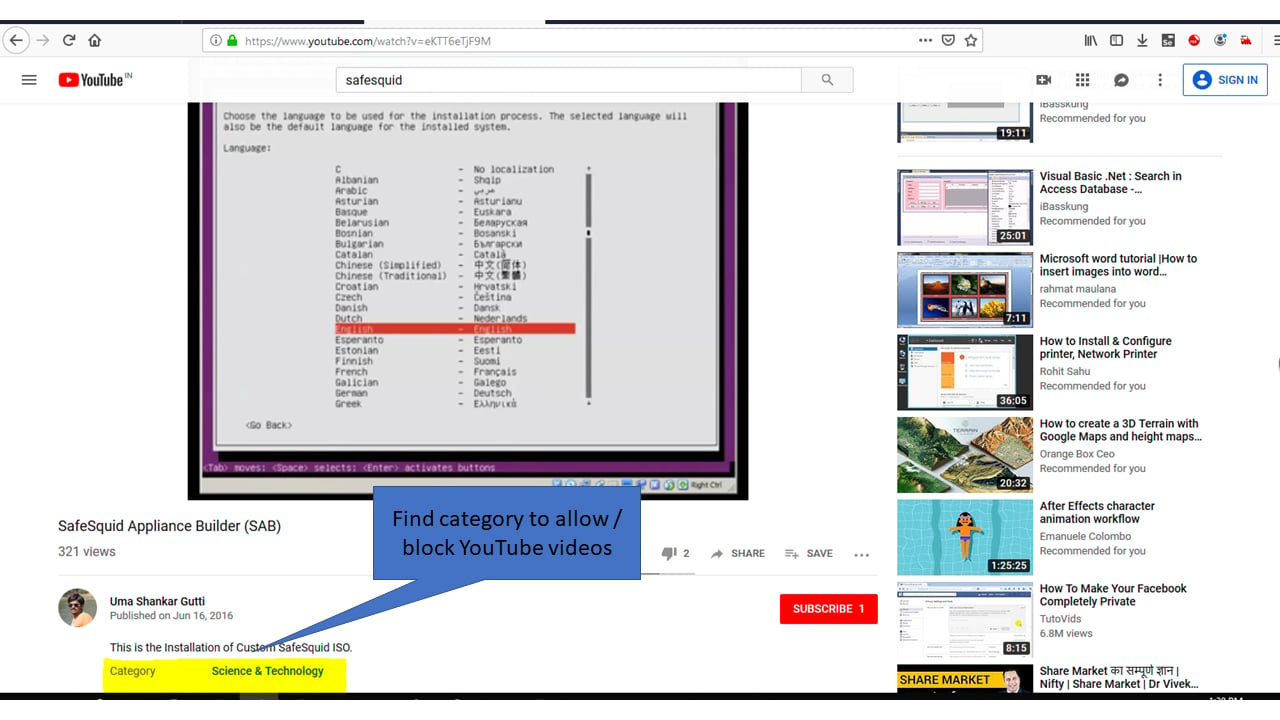
Prerequisites
HTTPS Inspection should be enabled in SafeSquid. If it is not enabled, see How to enable HTTPS InspectionCreate a YouTube V3 API using your Google Account.
To Request the Category of Specific Video To extract Video Category from Video ID Go To https://console.developers.google.com/apis/library Google Cloud API Library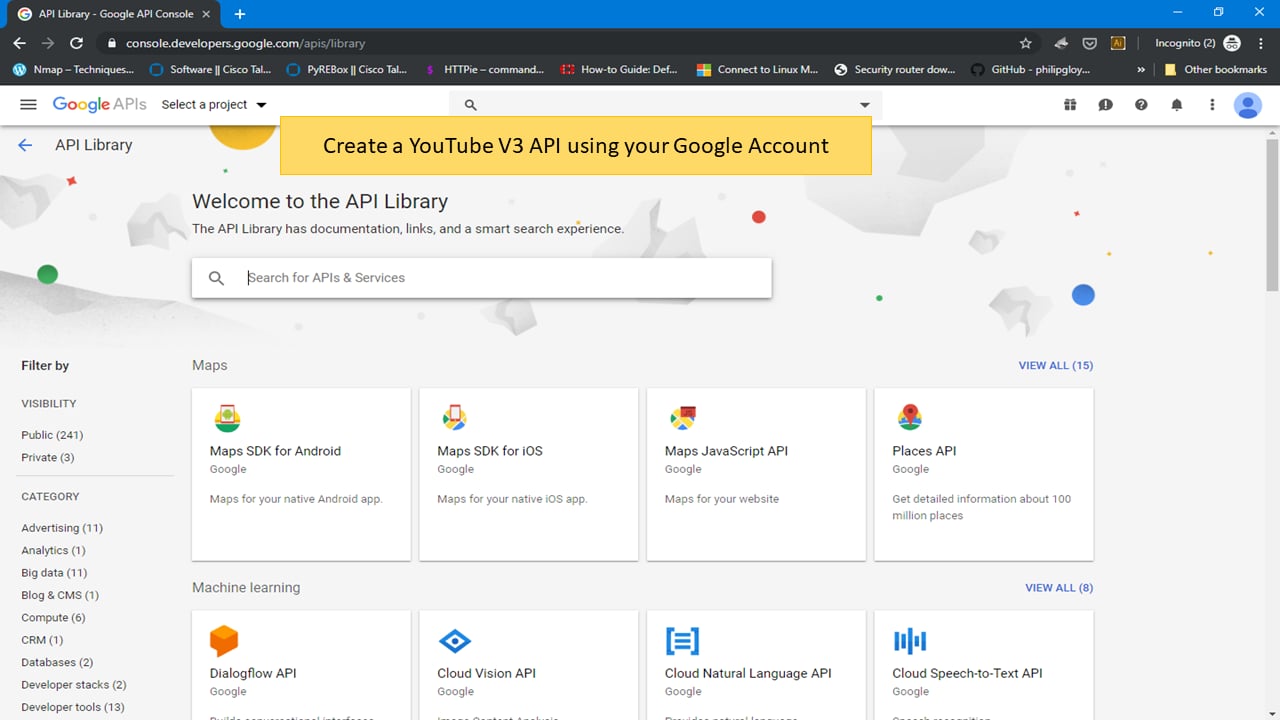
CREATE A NEW PROJECT
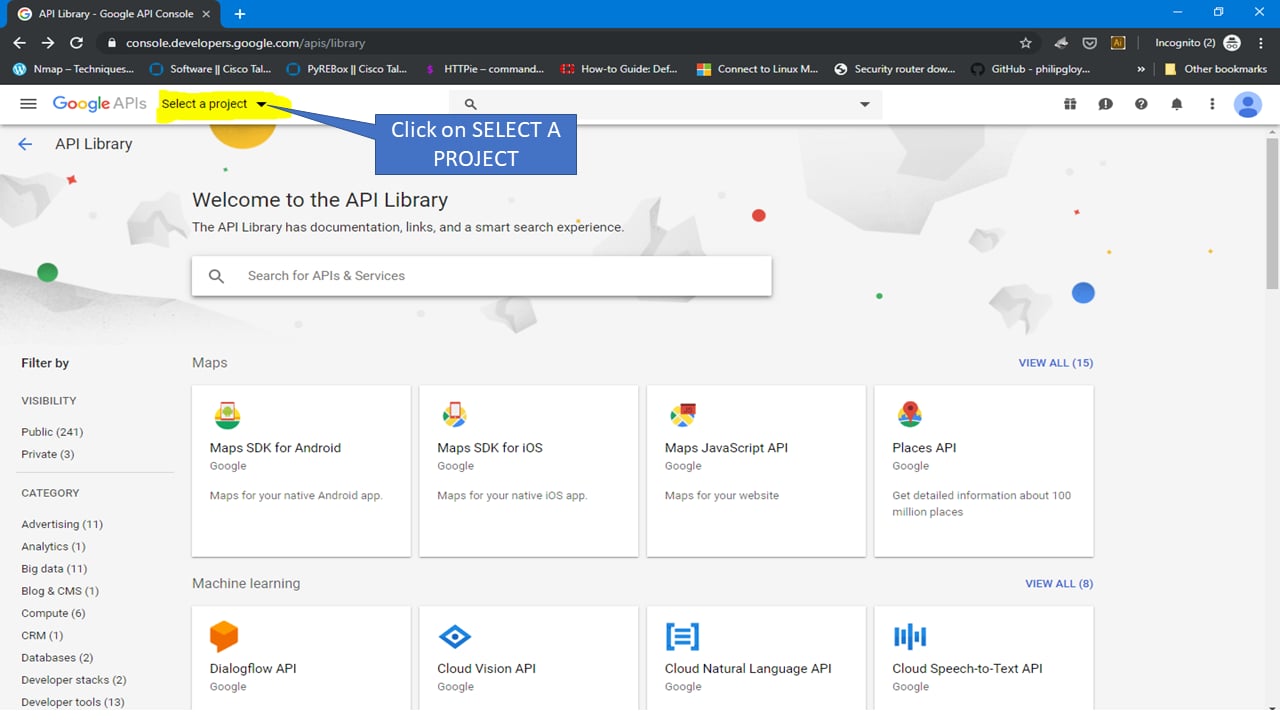
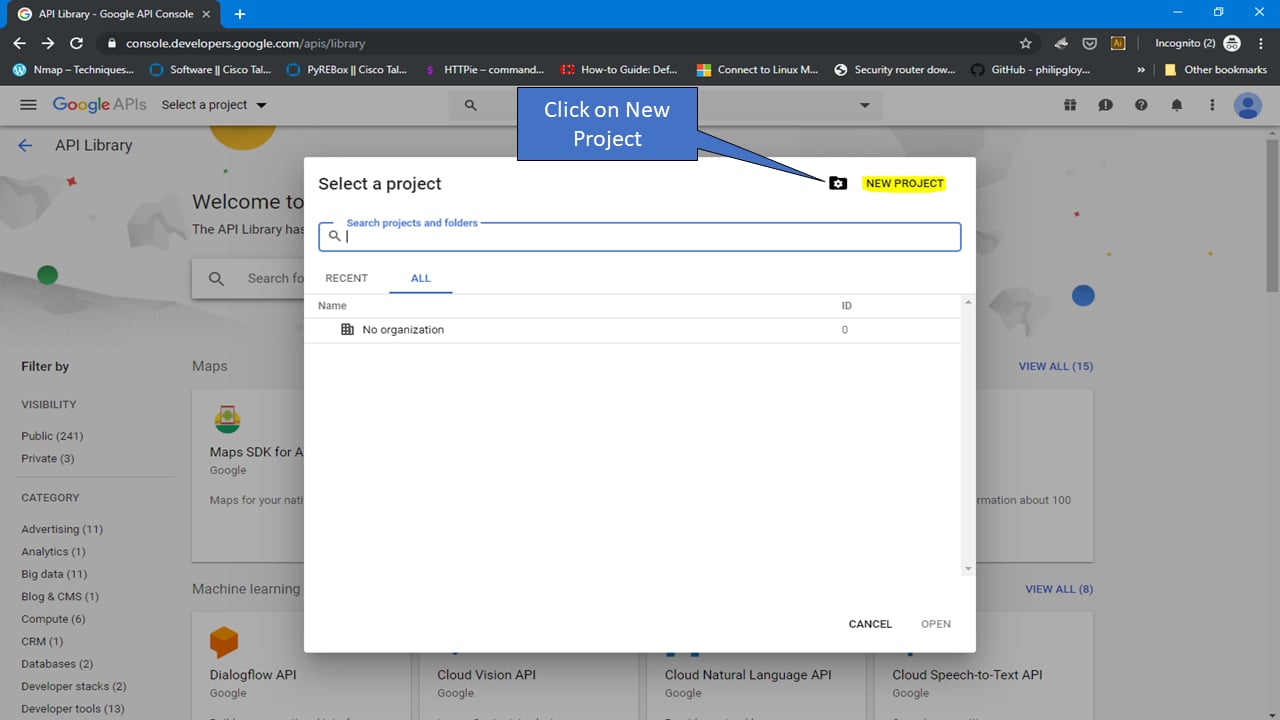
Name as: YouTubeAPI-For-SafeSquid
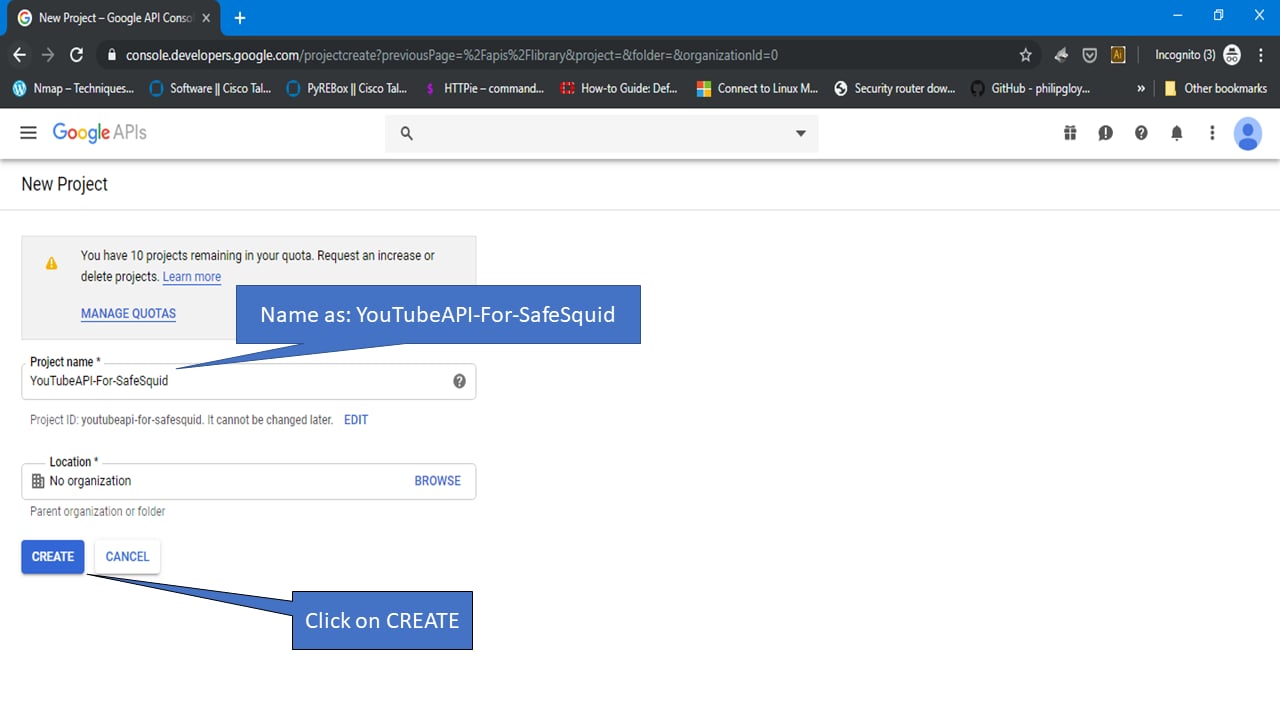
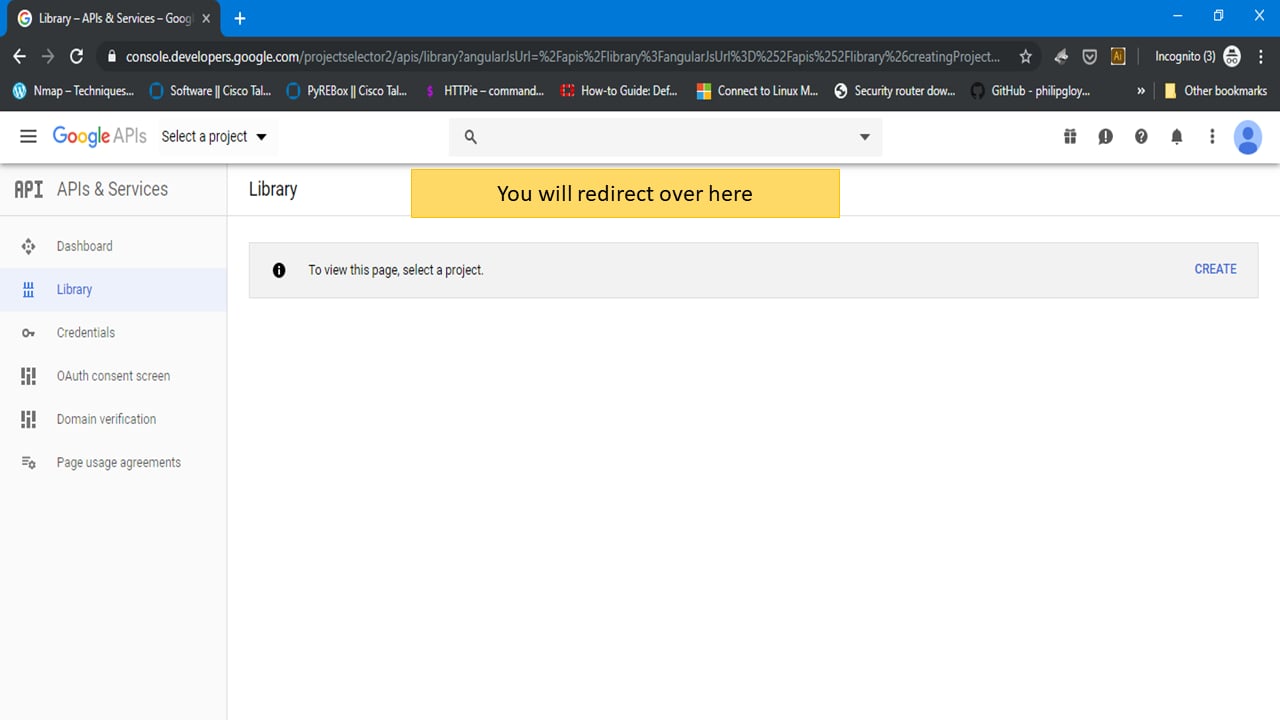
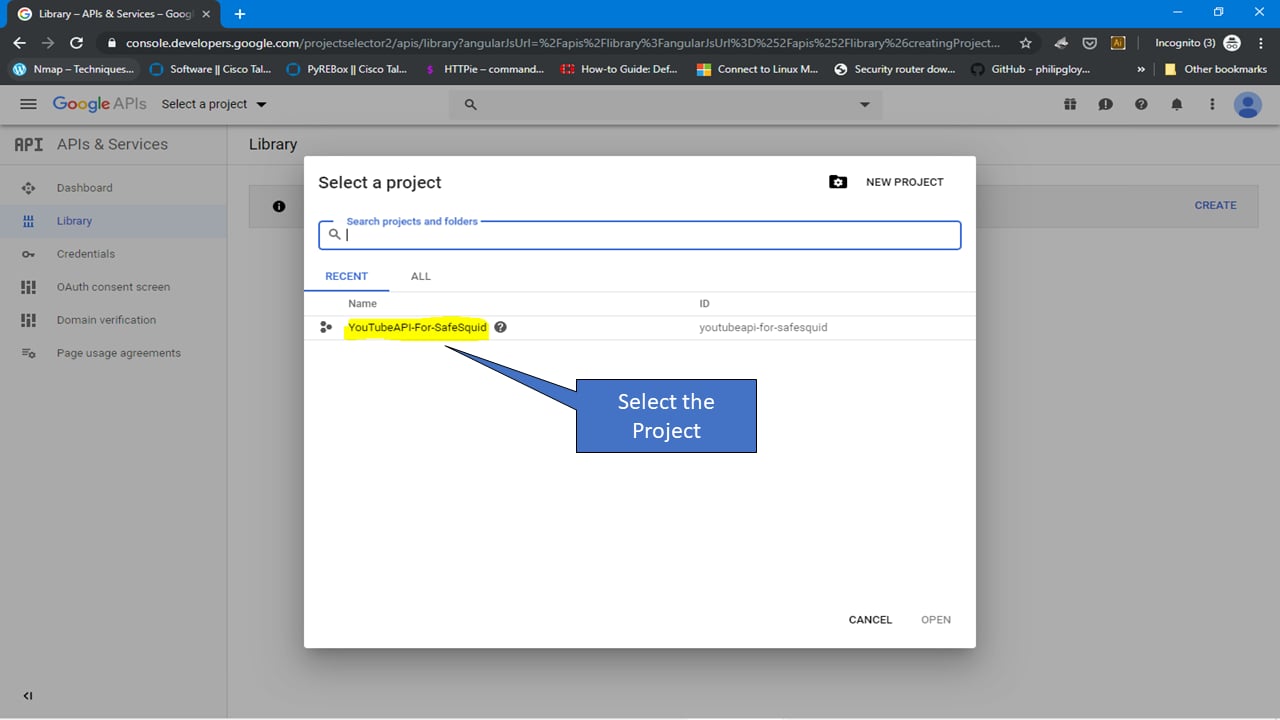
Select a project
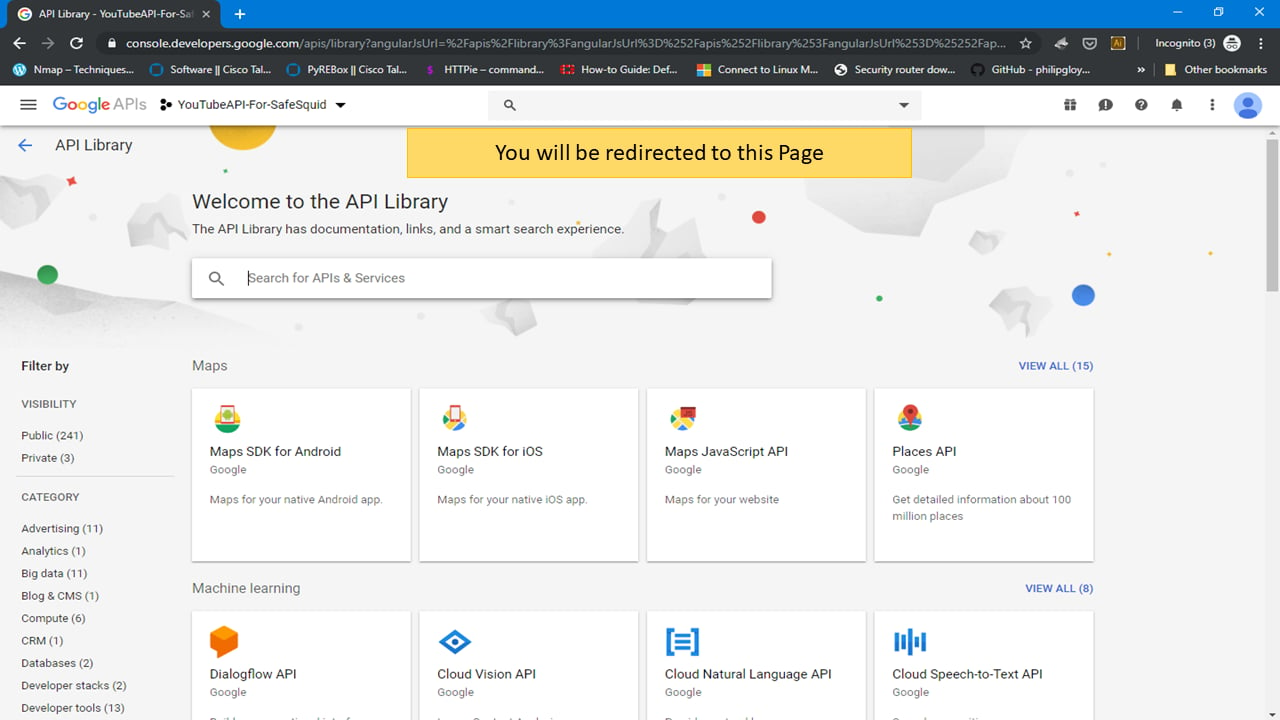
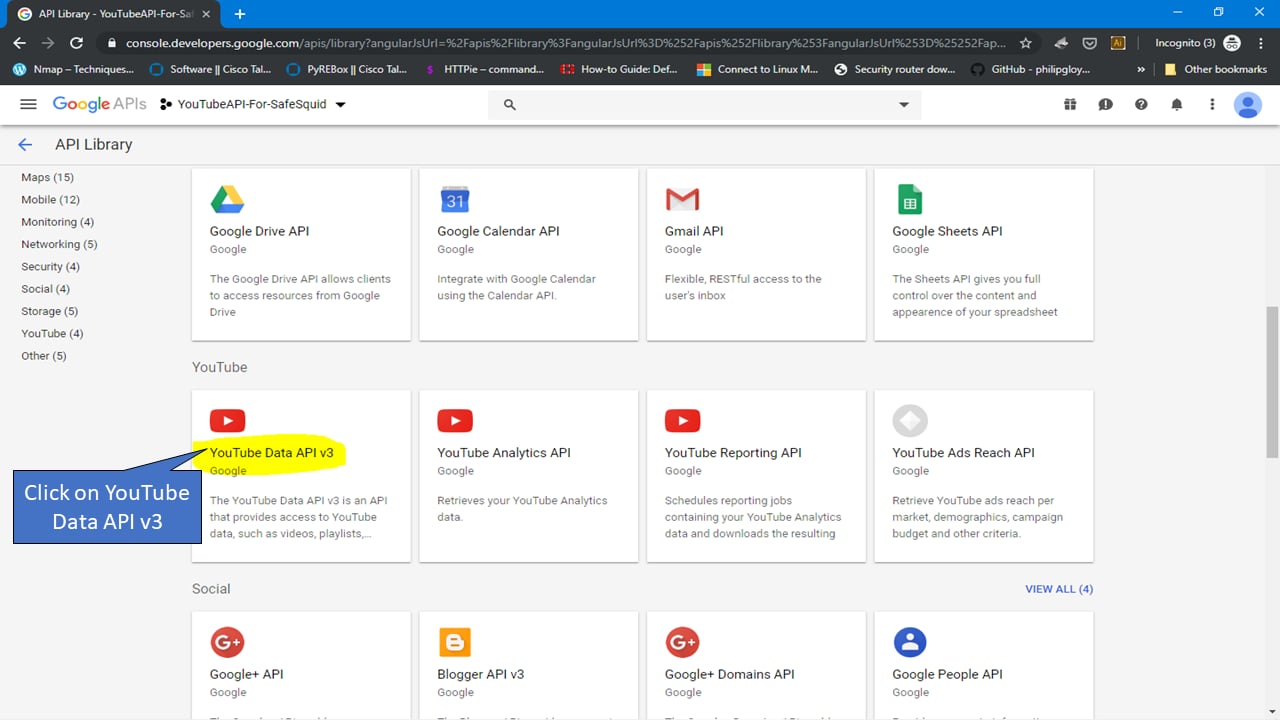
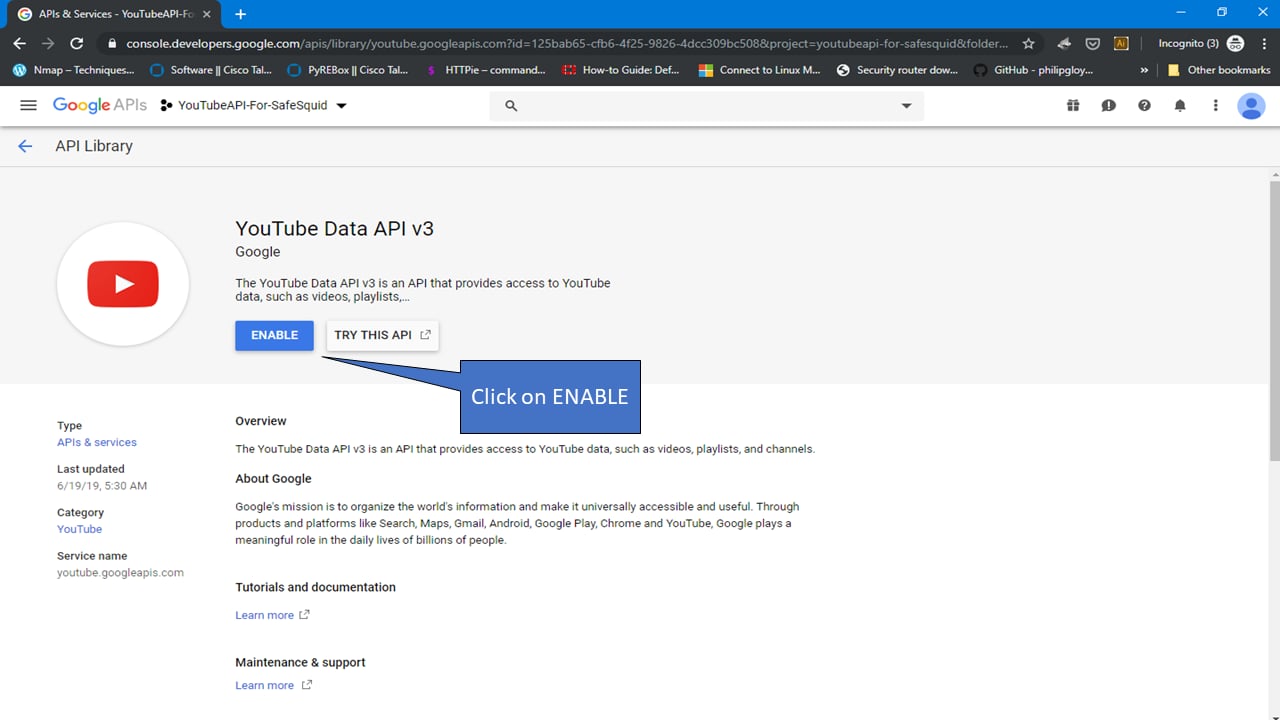
Enable YouTube Data API V3
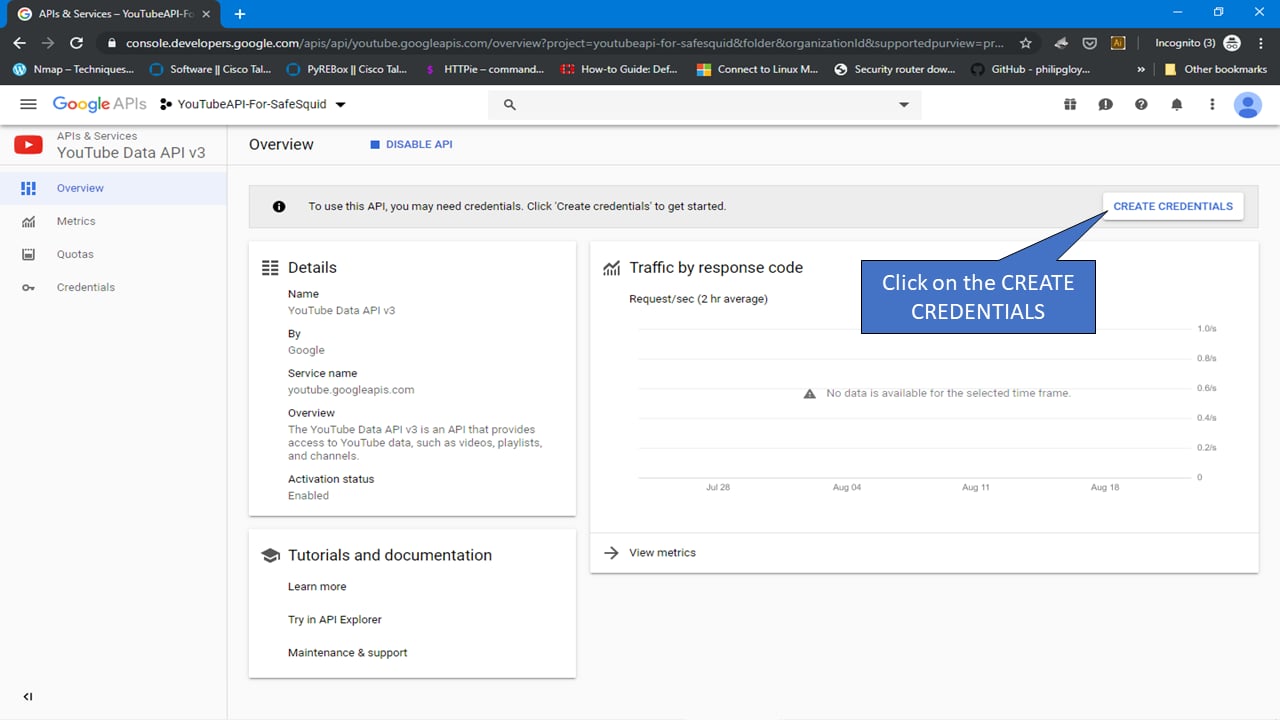
Create credentials
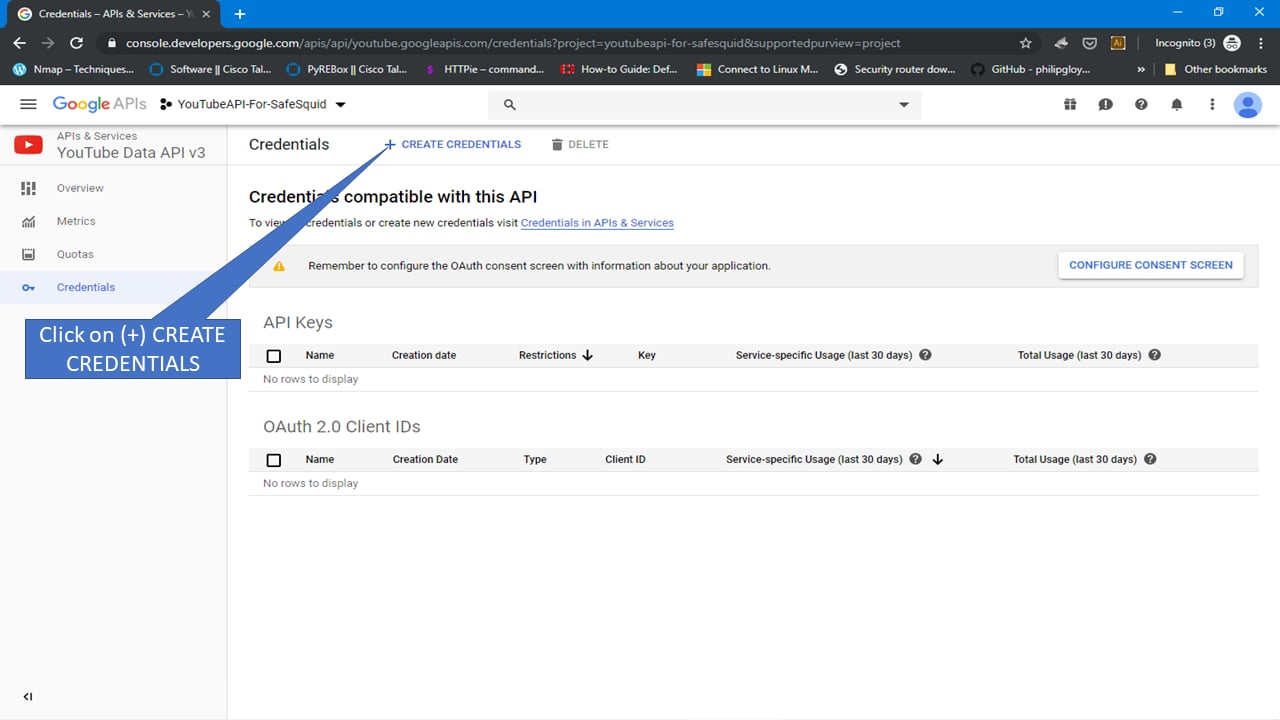
Select API key
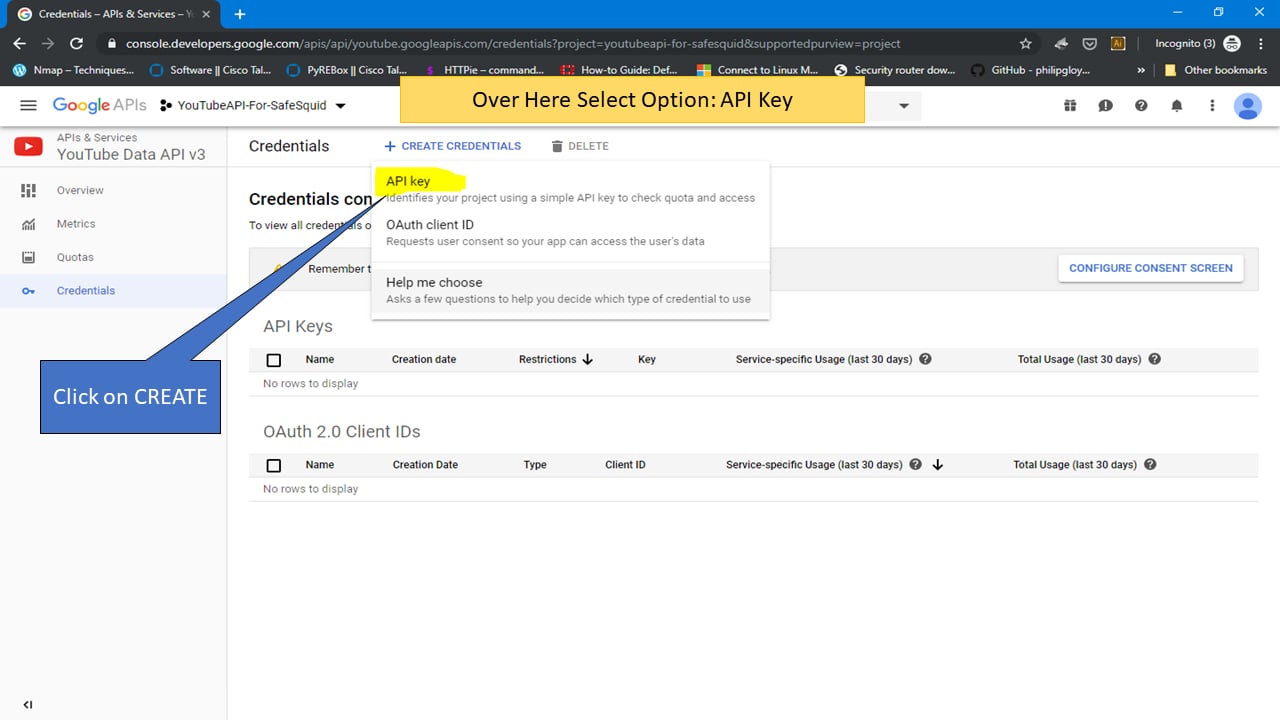
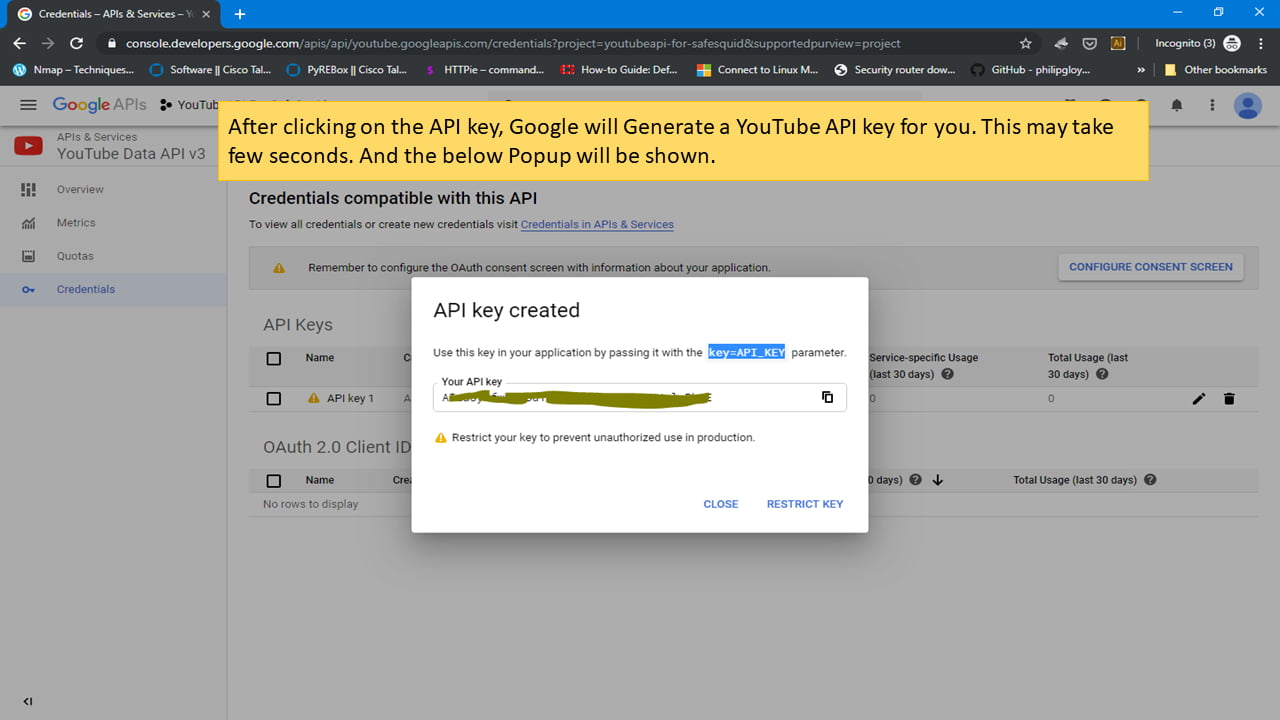
Integrate the YouTube API Key in SafeSquid.
To identify the category of the YouTube video Now we are going to Integrating this Key in SafeSquid-SWG. To do that, Go to SafeSquid console. Go to the path using below command: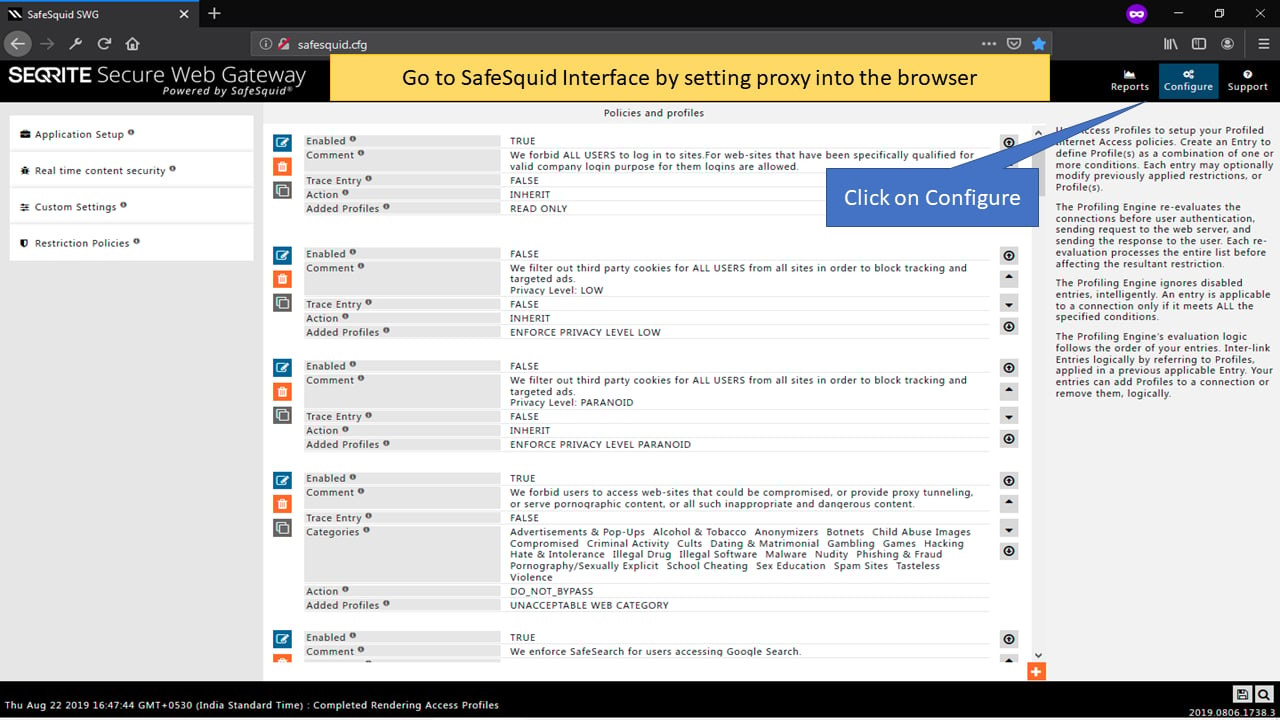
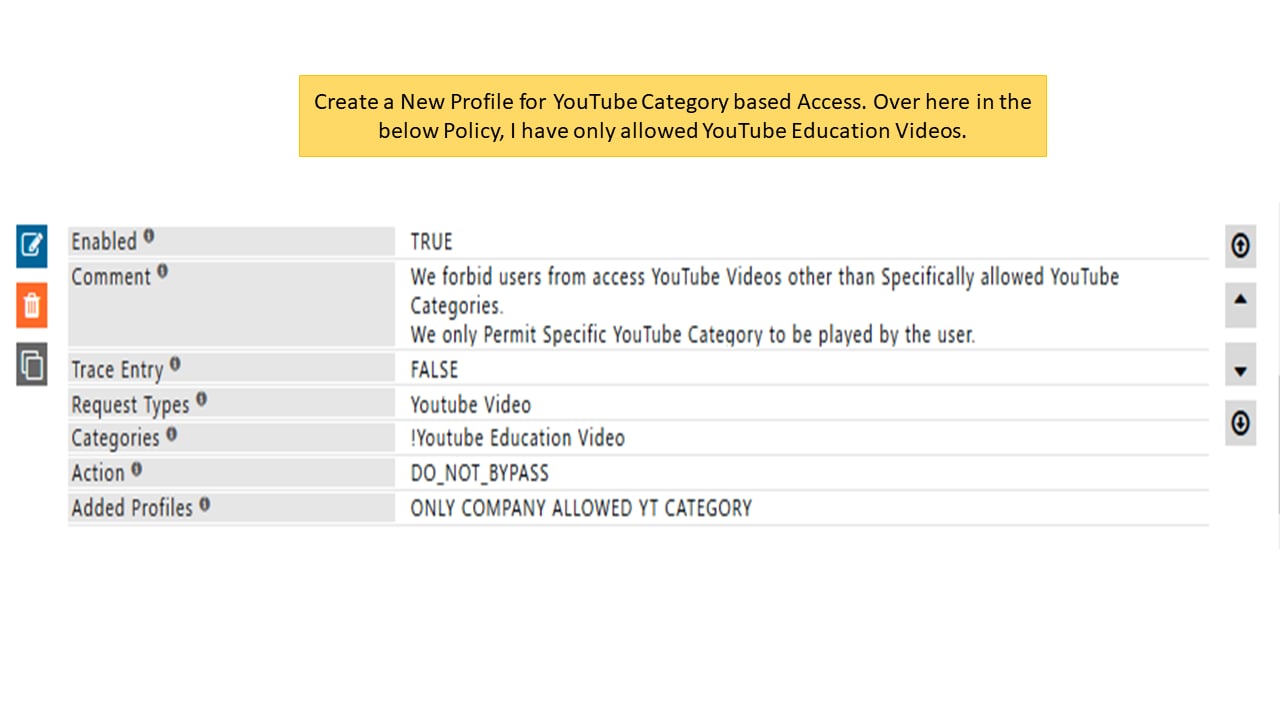
Next steps
- Allow Specific YouTube Channel and its Playlist - block general YouTube but allow specific channels and playlists in SafeSquid for education.
- Block Specific YouTube Channel - block a specific YouTube channel using SafeSquid by creating policies based on Channel-ID and List-ID for targeted video restriction.