

Manage Malware Signatures in the Self-Service Portal
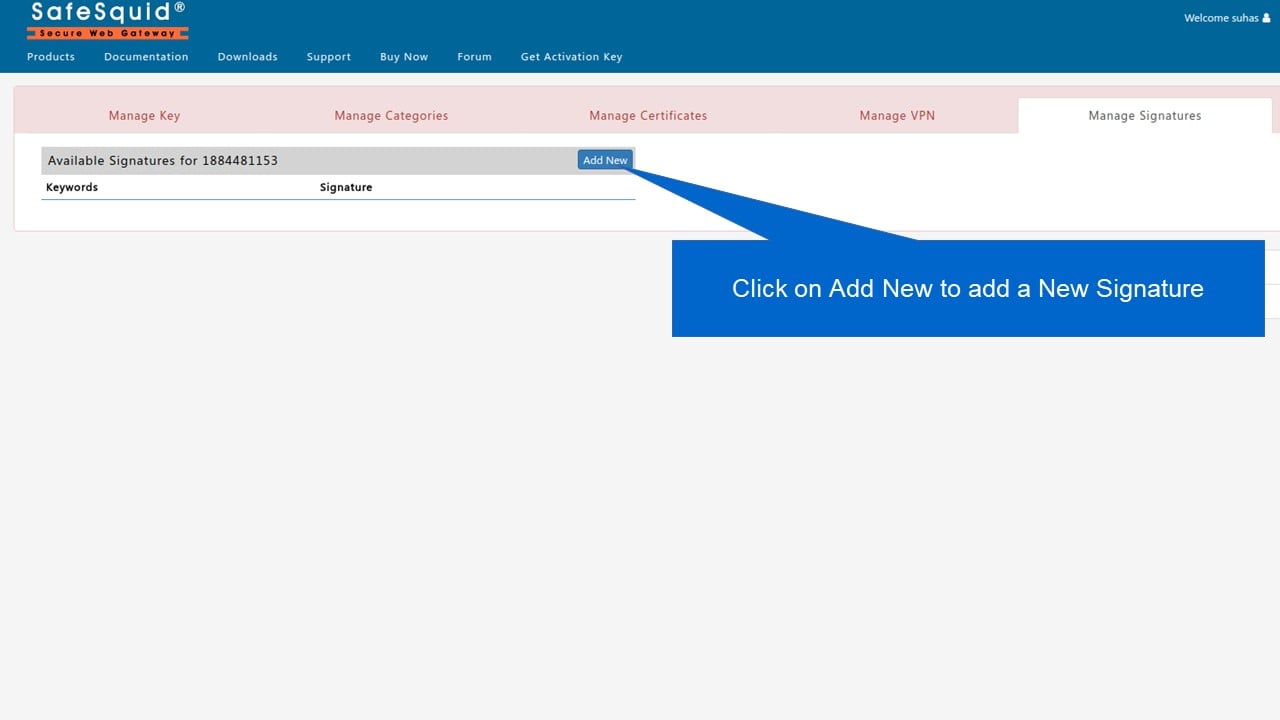
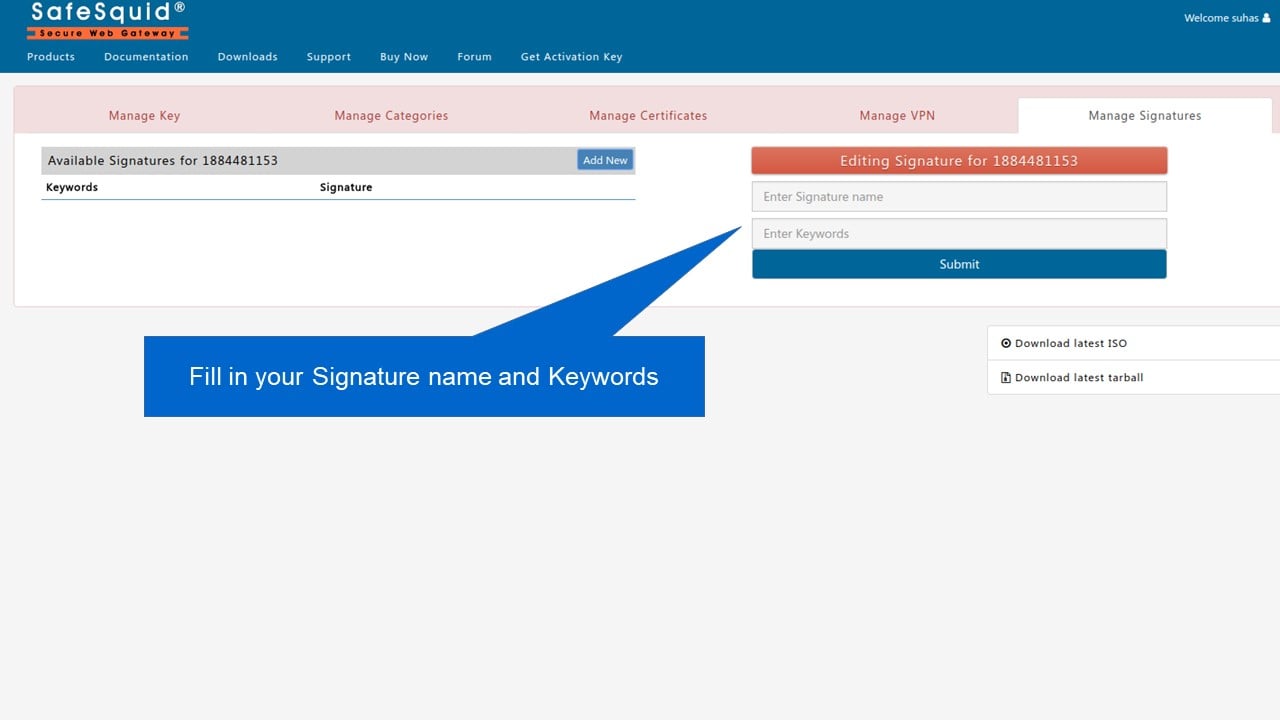
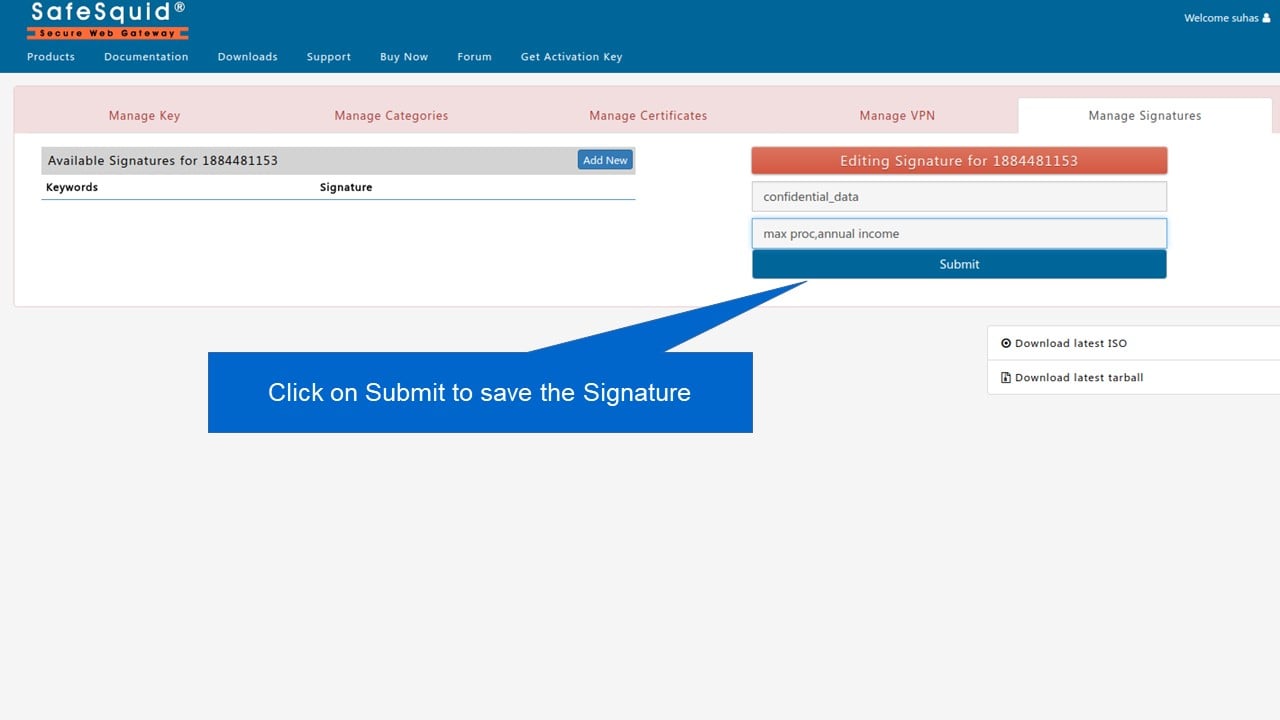
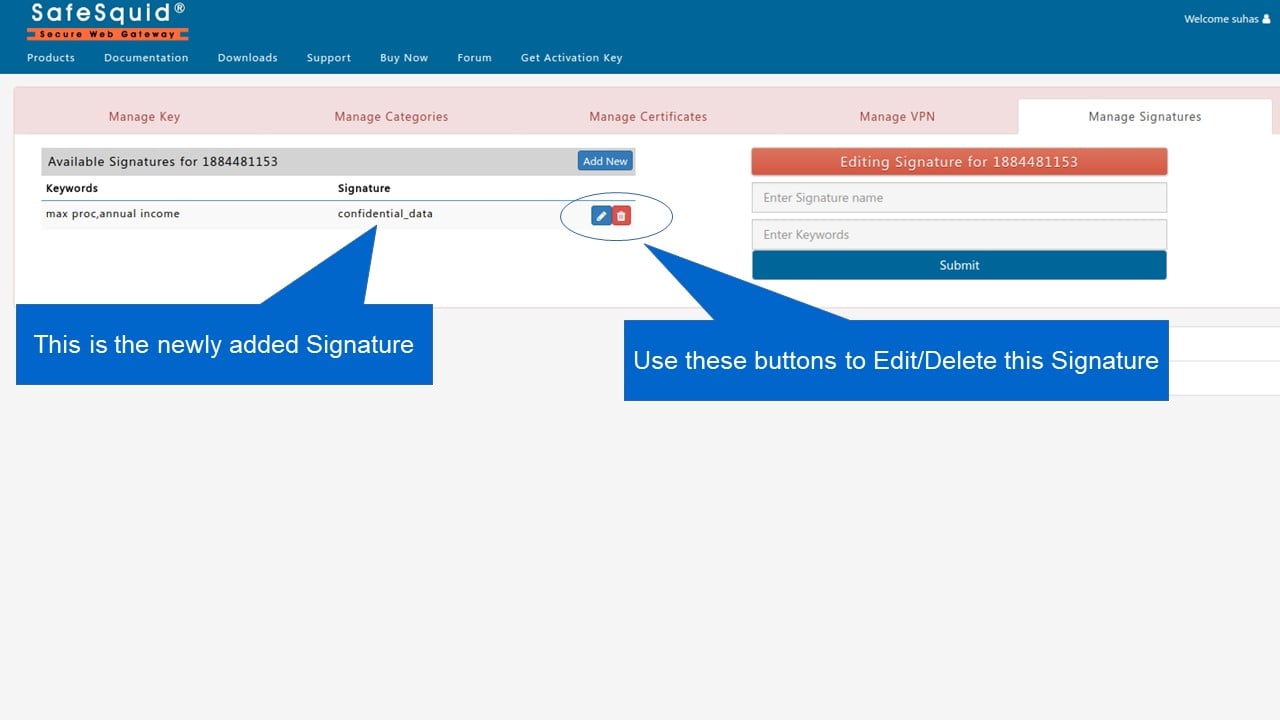
You can manage malware signatures using the SafeSquid Self-Service Portal. This allows you to add custom signatures to block specific threats. You need an active SafeSquid account with at least one activation key. Register at https://key.safesquid.com/ if needed. Log in to the Self-Service Portal at https://key.safesquid.com/.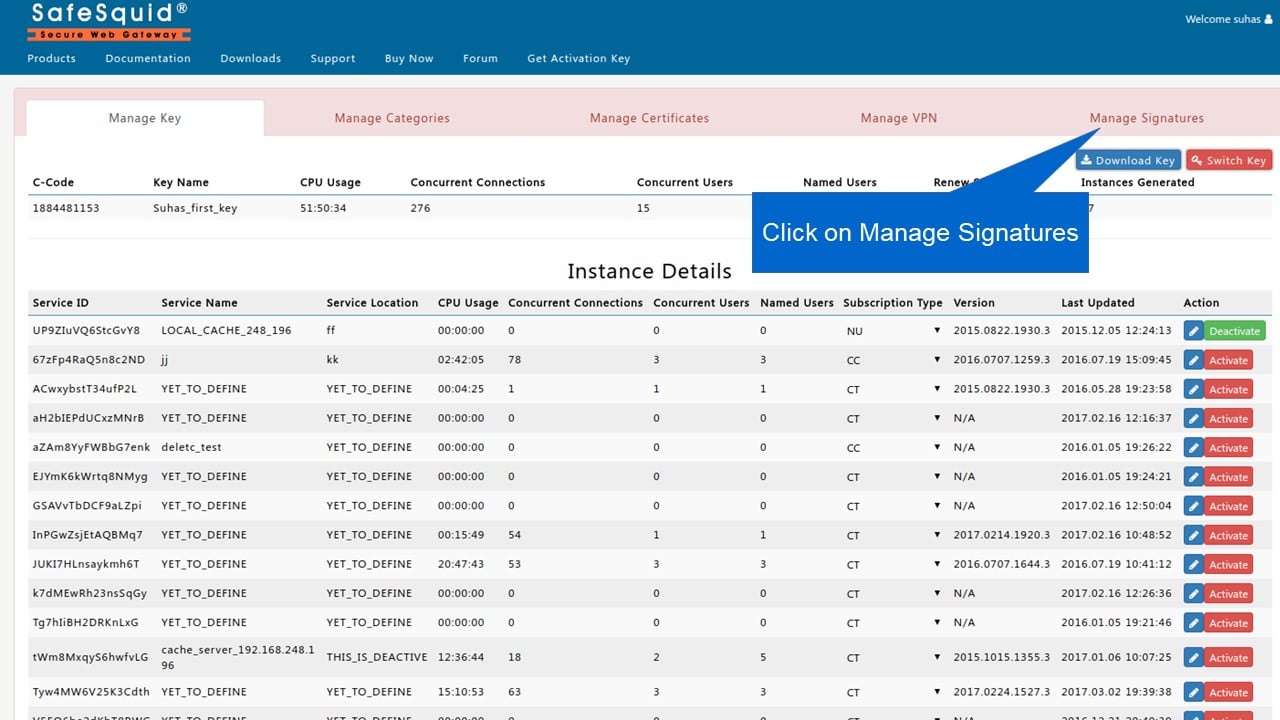
Next steps
- Block Emails or Files including Archives or Social Posts using Keywords - block emails, files, archives, and social posts by keyword in SafeSquid for data leakage protection.