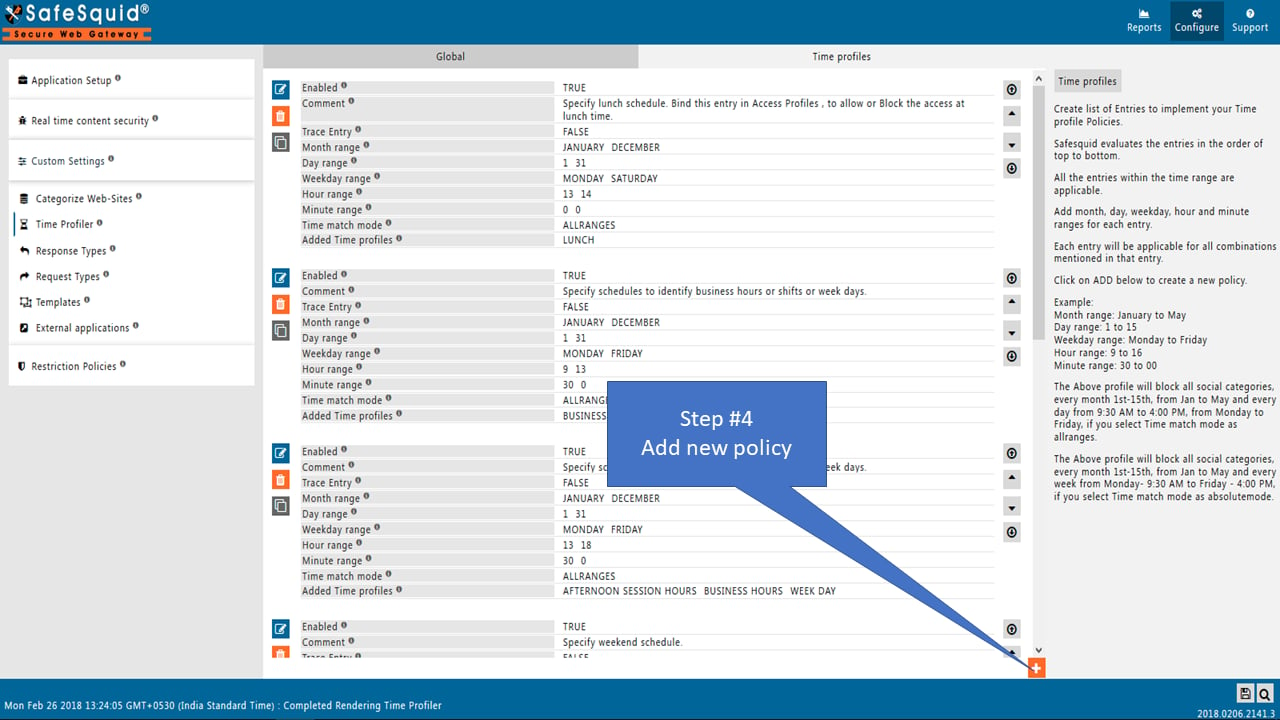
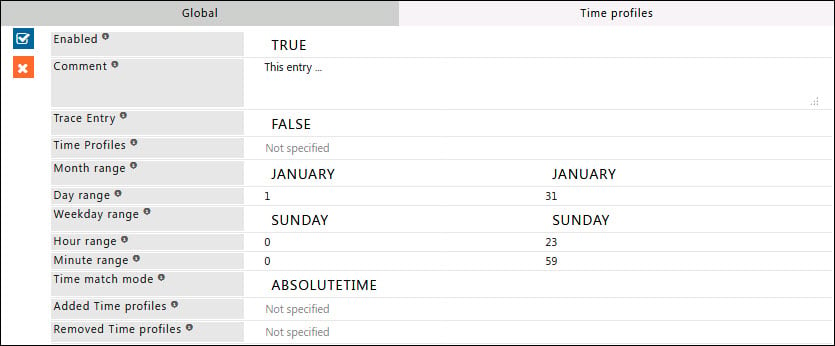
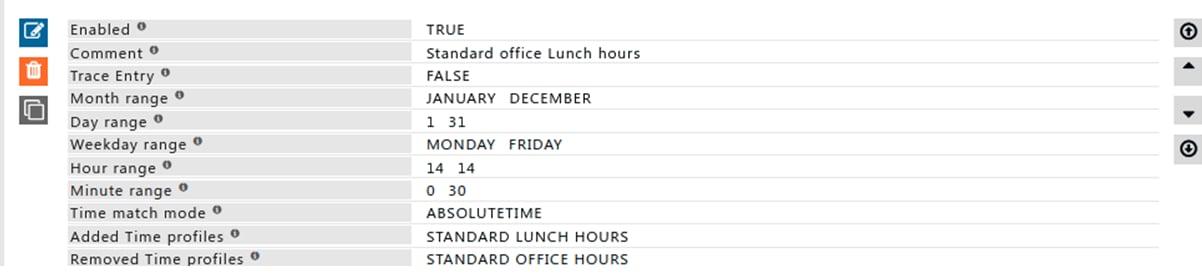
| Enabled | TRUE/FALSE - Enable or disable this entry |
| Comment | Documentation explaining the entry’s purpose |
| Trace Entry | TRUE/FALSE - Enable debugging in SafeSquid logs |
| Time Profiles | List of Time Profiles for applicability. Leave blank to ignore. Use negation (! Weekday) to exclude profiles |
| Month Range | Active months (default: all months). Example: January to March |
| Day Range | Active days (default: all days). Example: 5 to 15 |
| Weekday Range | Active weekdays (default: all). Example: Monday to Thursday |
| Hour Range | Active hours (default: all). Example: 9 to 12 (9 AM to 12 PM) |
| Minute Range | Active minutes in conjunction with Hour Range. Example: 15 to 30 |
| Time Match Mode | ABSOLUTETIME or ALLRANGES. See the Time Match Modes section below for details on each mode |
| Added Time Profiles | Profiles to append when entry matches |
| Removed Time Profiles | Profiles to remove when entry matches |